
How to write a website redesign brief
A practical guide to explaining the problem, organizing your content and agreeing what the next website needs to do.
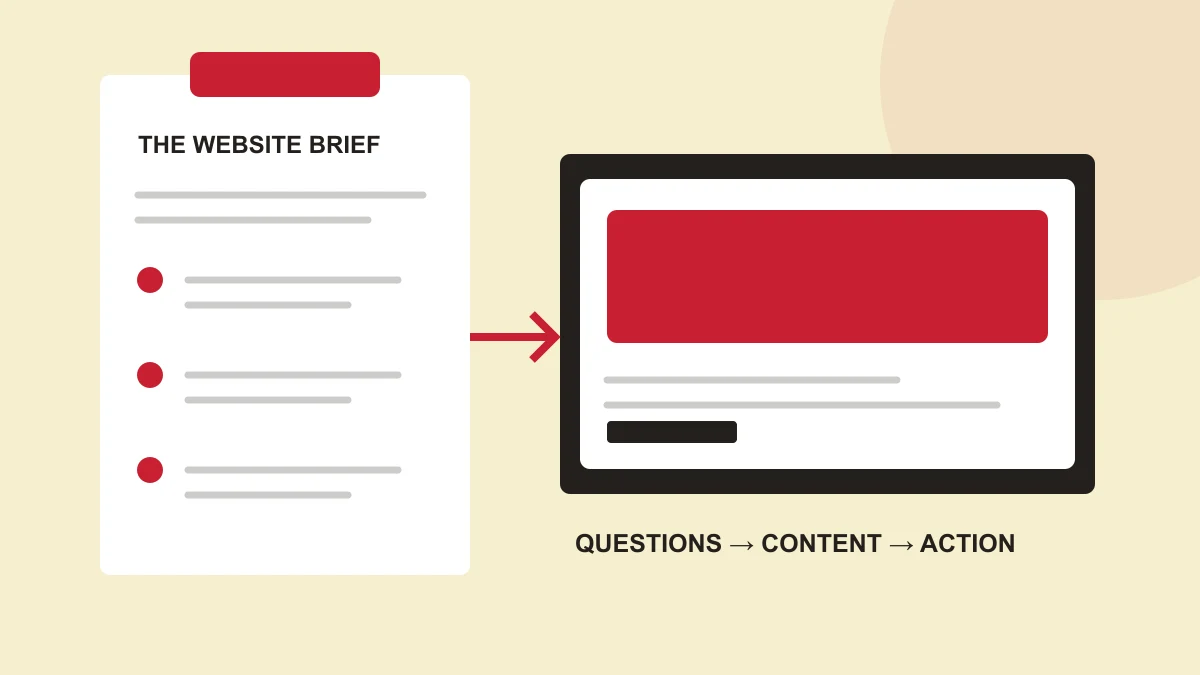
1. Describe the problem before choosing a style
A website redesign brief sets out what the project needs to achieve. It tells a designer what needs to change, who the website must help and what the new site needs to do. It does not need to be a long presentation. A short, specific brief is more useful than a folder of references without context.
Start with an observation you can explain. Perhaps customers call to ask which service they need. Perhaps the site looks fine on a laptop but is difficult to use on a phone. Perhaps every small content update requires outside help. These are different problems and may need different solutions.
Scroll horizontally to compare all columns.
| A vague request | A more useful brief |
|---|---|
| “Make it modern.” | “Our service names are difficult to understand. Help visitors choose the right service before contacting us.” |
| “Make it like this website.” | “We like the clear navigation and large project imagery in this reference. We need our own content and identity.” |
| “We need more leads.” | “We want the enquiry form to collect the service, location and project requirements so our team can respond usefully.” |
2. Map visitor questions to real content
Name the main audience before listing pages. A homeowner choosing a contractor, a family exploring care and a restaurant guest looking for a menu do not arrive with the same questions. Use those questions to decide what belongs on the site.
- What do you offer, and is it relevant to my situation?
- Where do you work, or how do I use the service?
- What evidence helps me trust you?
- What will happen if I contact or book with you?
For each question, identify an answer you can actually supply: a service explanation, a project photograph, a location, a named contact or a booking link. If the answer does not exist yet, assign someone to prepare it. A designer can organize information; the business still needs to confirm it.
3. Separate essential tasks from optional features
Write down the tasks visitors must be able to complete at launch. For a service business, that might be finding the right service, seeing relevant work and sending an enquiry. For a shop, it may include browsing products and completing a purchase. Describe the task first; agree the implementation with the designer or developer.
Keep a second list for useful additions. A customer portal, advanced animation or a large article library may be valuable, but each needs content, implementation and maintenance. Separating essentials from additions makes proposals easier to compare.
Scroll horizontally to compare all columns.
| Must be agreed | Questions to answer |
|---|---|
| Pages and content | Which pages are needed? Who writes, checks and approves each one? |
| Enquiry or booking | Which details are required? Where do submissions go? What confirmation does the visitor see? |
| Editing and maintenance | Who updates text, photographs and services after launch? Which areas must be editable? |
| Connections | Does the site need to work with an existing booking, payment, email or business tool? |
4. Include mobile use, testing and handover
Ask how the main tasks will be tested on a phone and with a keyboard. Discuss readable text, meaningful form labels and clear error messages. These are part of the working experience, rather than decoration added after the visual design.
Agree what handover includes. Depending on the platform, that may mean editing instructions, reusable page sections, access ownership and a clear maintenance responsibility. A site that is difficult for the business to maintain can quickly become inaccurate.
5. Put the brief on one page
Use the worksheet below as a starting point. It covers the business problem, audience, essential content, main action, technical needs and approval responsibilities. “Not sure yet” is a useful answer when it identifies something that needs discussion.
- Business and primary audience
- Current problem and desired visitor task
- Essential pages, materials and examples
- Main action and required information
- Editing needs and existing tools
- Content owner, approver and launch constraints
SEO belongs in that conversation too. Describe the services and locations the business genuinely serves, use language customers understand and make important pages easy to reach. Google recommends creating useful, people-first content; a page count or a repeated keyword is not a substitute for answering the visitor’s question. Read Google’s content guidance.
If your business works locally and beyond, distinguish where you are based from the places you serve. Do not create location pages unless there is useful, specific information for the people who will use them.
Where to start
Try it on your own project.
Download the worksheet and copy it into your usual document editor. Use it to gather your thoughts or discuss the project with your team. No email address required.
Download the website brief worksheet